Tool 1
Flatlay from one photo
Upload a hoodie or a piece of jewelry. You get it laid flat on a calm set.
More products or angles? We do the whole set for you
Three tools, four images. Fashion and jewelry first.
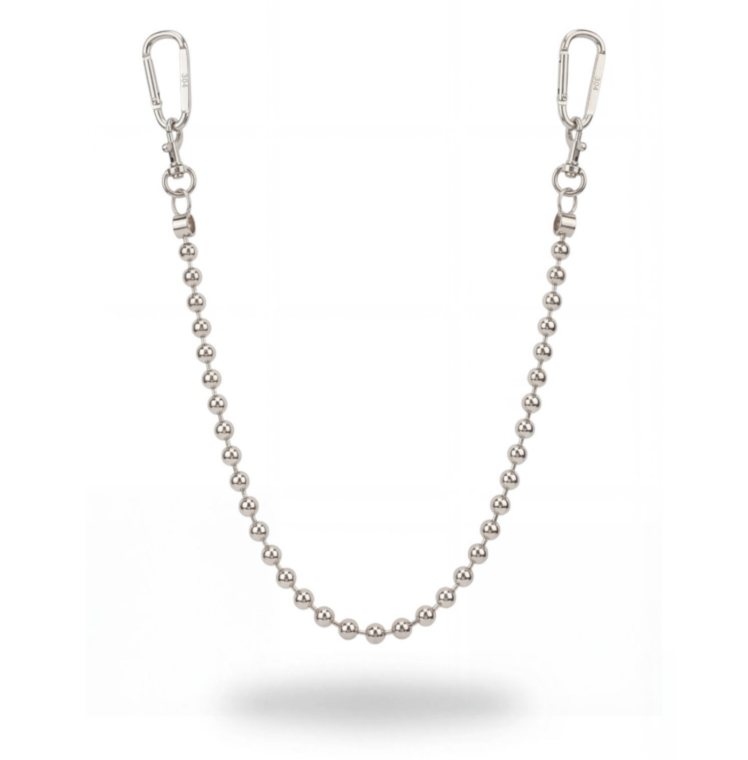 chain.jpgDrop one product photo
Cutting out
Laid flat · 4:5DownloadSaved
Four new models, in casting now. Placeholders until then.
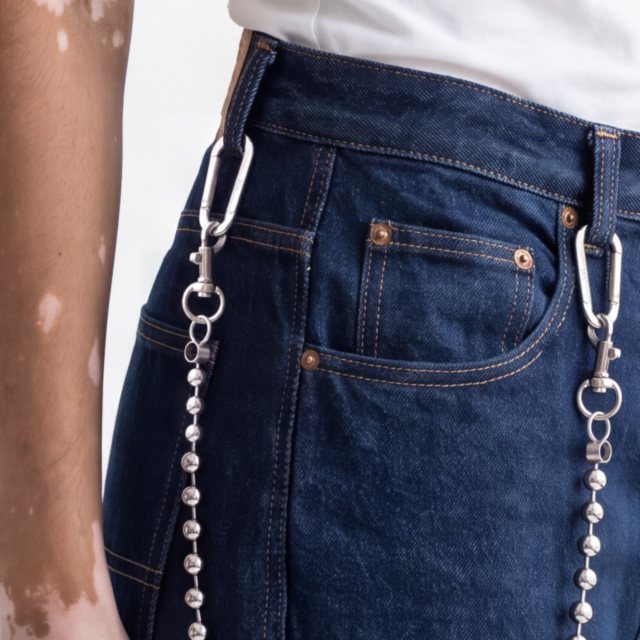
BoneySame chain as your photo.
Turn
360°Front · backLoop
Formats
9:16 Reel4:5 Feed1:1 Grid
ExportReady for your product page
Flatlay. One photo in. Cut out, measured, laid flat on a calm set.Try-on. Pick one of four new models. Every image is checked against the cast sheet and your photo.Spin. Your piece turns once around, front to back, for product pages and reels.
Example images from our Studio 304 case study. Four images free, then credits. Try it on your photo
Each tool shows how ordering will work. Four images for one product, priced per set.
Demo until our consistency check is at 10/10. Your photo stays in this browser: no upload, no payment. Price per set of four: on request.
Tool 1
Upload a hoodie or a piece of jewelry. You get it laid flat on a calm set.
More products or angles? We do the whole set for you
Tool 2
Pick a model and see where your product goes. The same model stays for every later image.
More products or angles? We do the whole set for you
Tool 3
Your product, moving slowly in a short loop for reels and ads.
More products or angles? We do the whole set for you
Custom brief
When the tools are not enough, Boney asks four questions and turns your answers into a brief for us. We answer in writing.